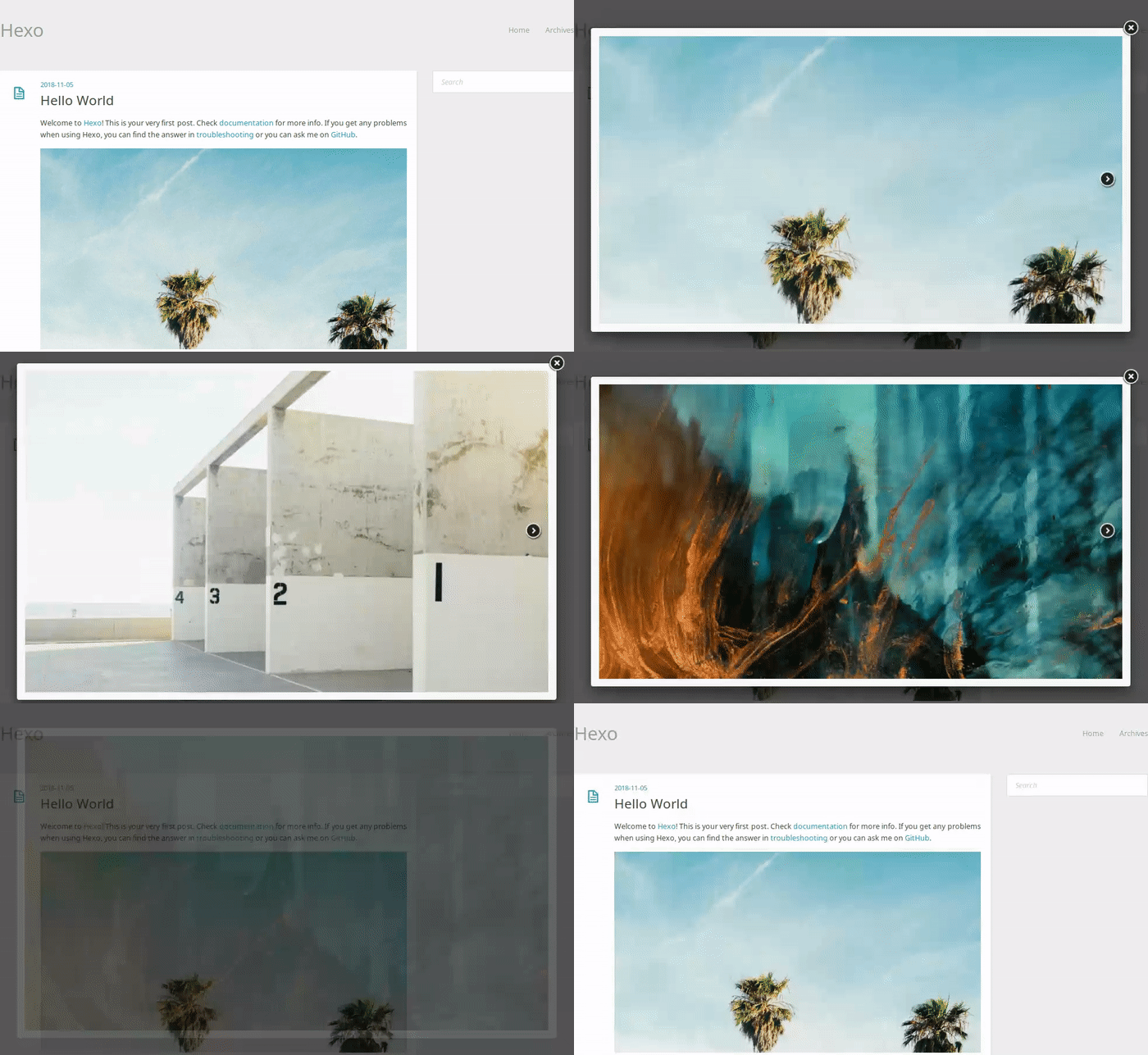
Light
一个适用于 Hexo 的简约主题。
安装
执行以下命令,并将 _config.yml 中的 theme 修改为 light。
1 | git clone --depth 1 https://github.com/hexojs/hexo-theme-light themes/light |
1 | _config.yml |
更新
执行以下命令来更新 Light 主题。
1 | cd themes/light |
配置
默认配置:
1 | menu: |
- menu - 主导航菜单
- widget - 侧边栏显示的小部件
- excerpt_link - 摘要文章底部的”阅读更多”链接文本
- twitter - Twitter 小部件配置
- username - Twitter 用户名
- show_replies - 启用显示回复
- tweet_count - 小部件中显示的推文数量
- fancybox - 启用 Fancybox
- google_analytics - Google Analytics ID
- rss - RSS 订阅链接(如果使用 Feedburner 请修改)
特性
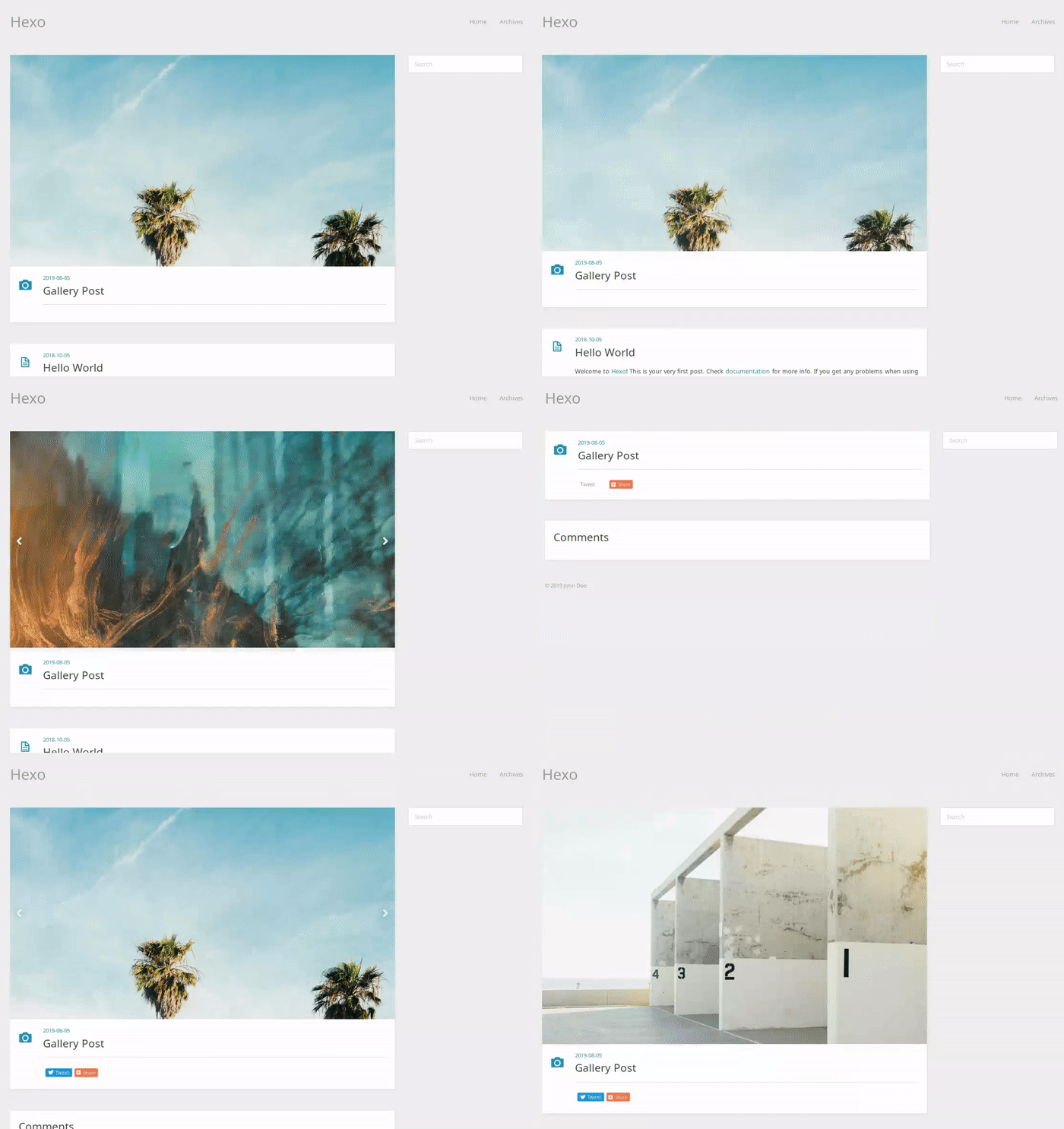
图库文章
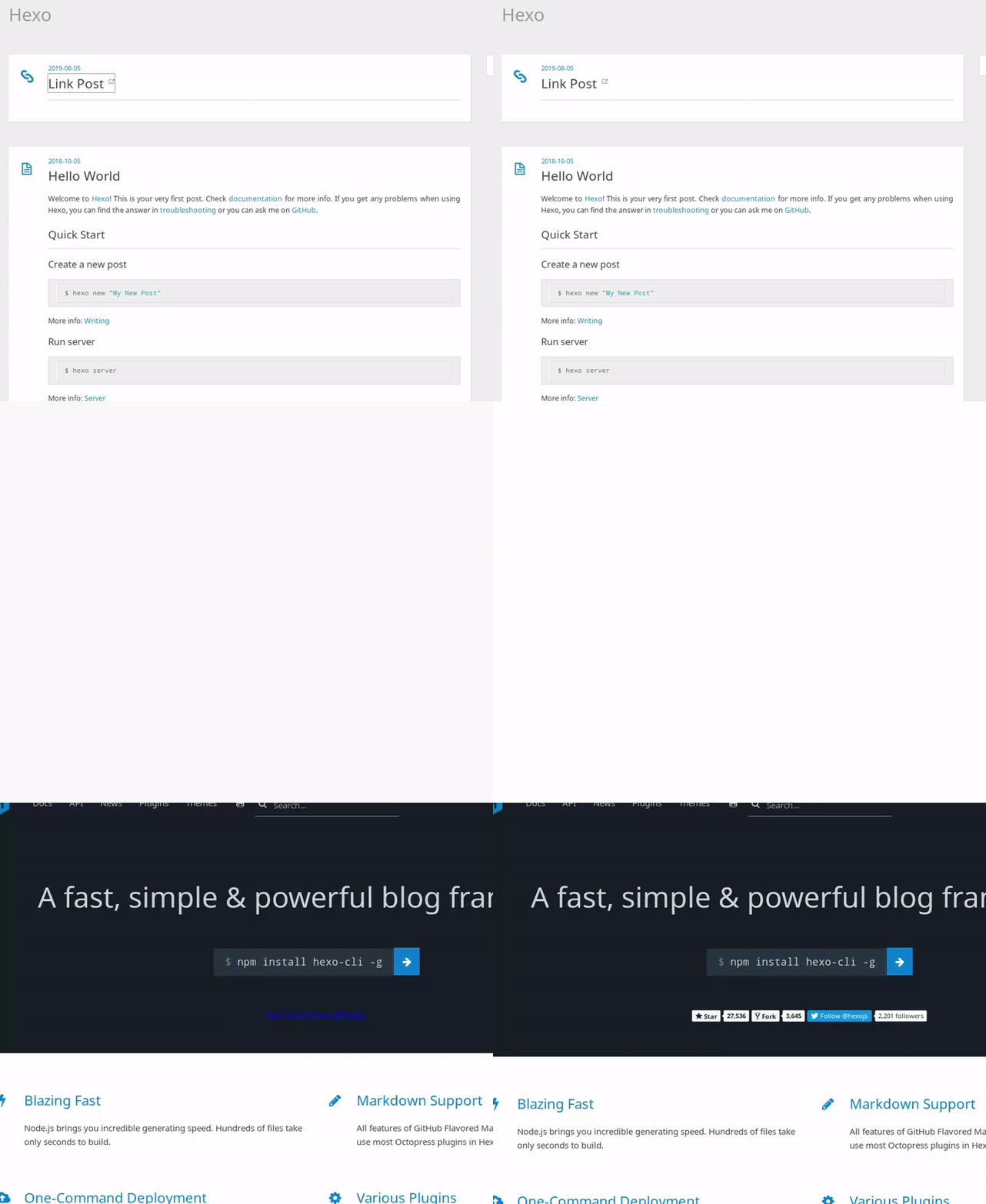
链接文章
Twitter 小部件
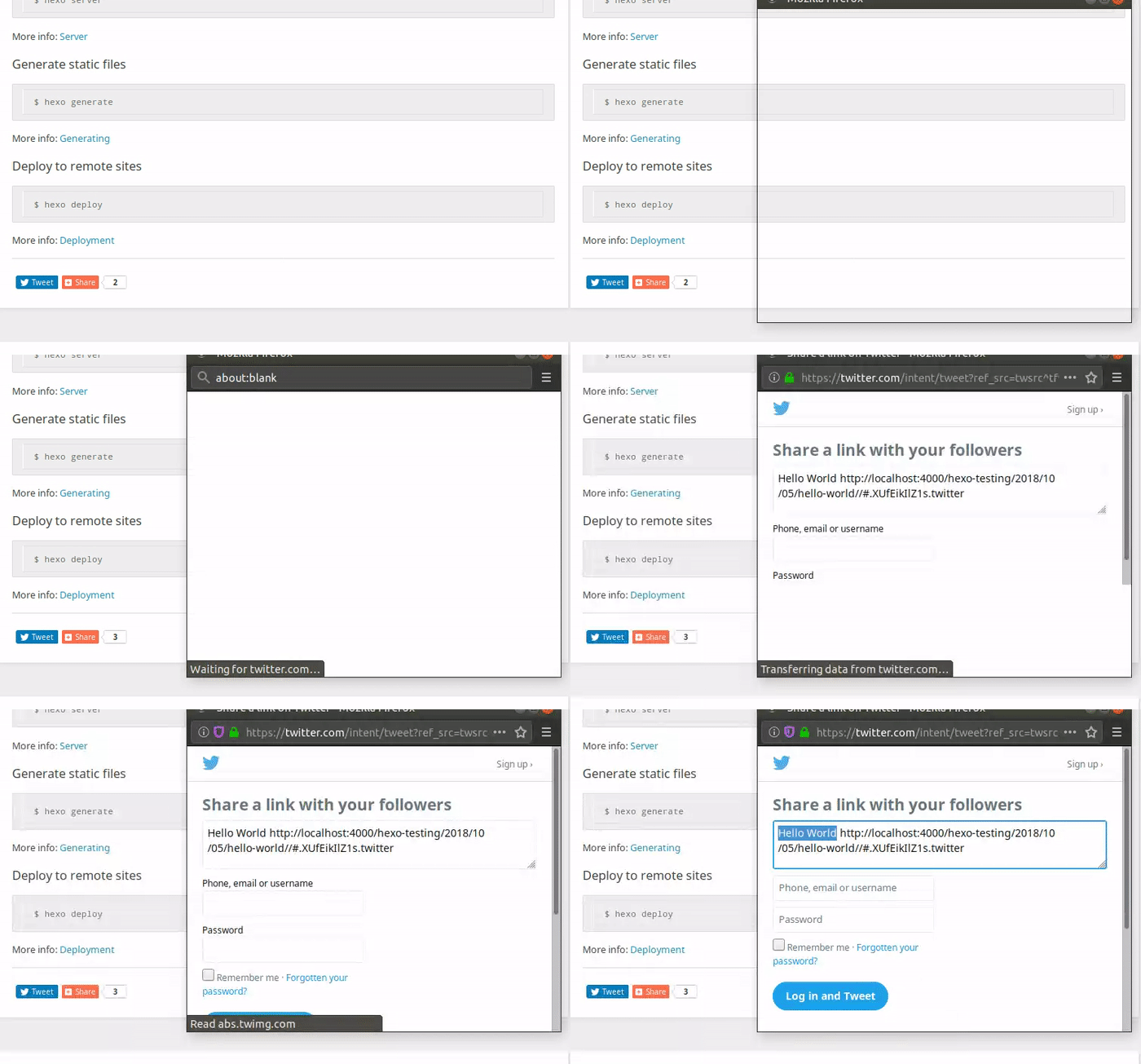
Fancybox